3D graphing calculator
Type an equation in x, y and z and see it in three dimensions. Surfaces, implicit surfaces, parametric curves and surfaces, vector fields and differential equations, rendered on your graphics card and ready to export for 3D printing.
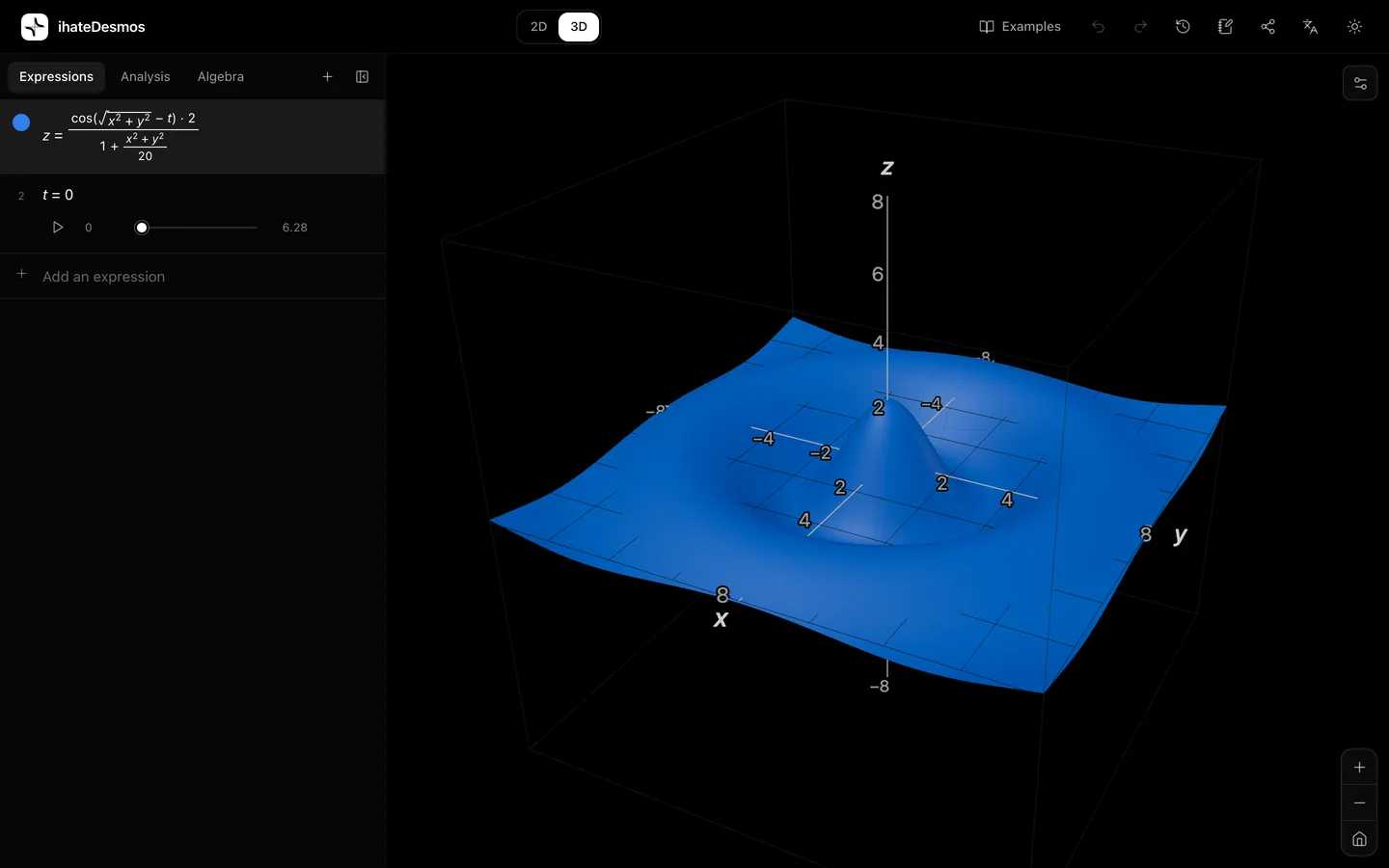
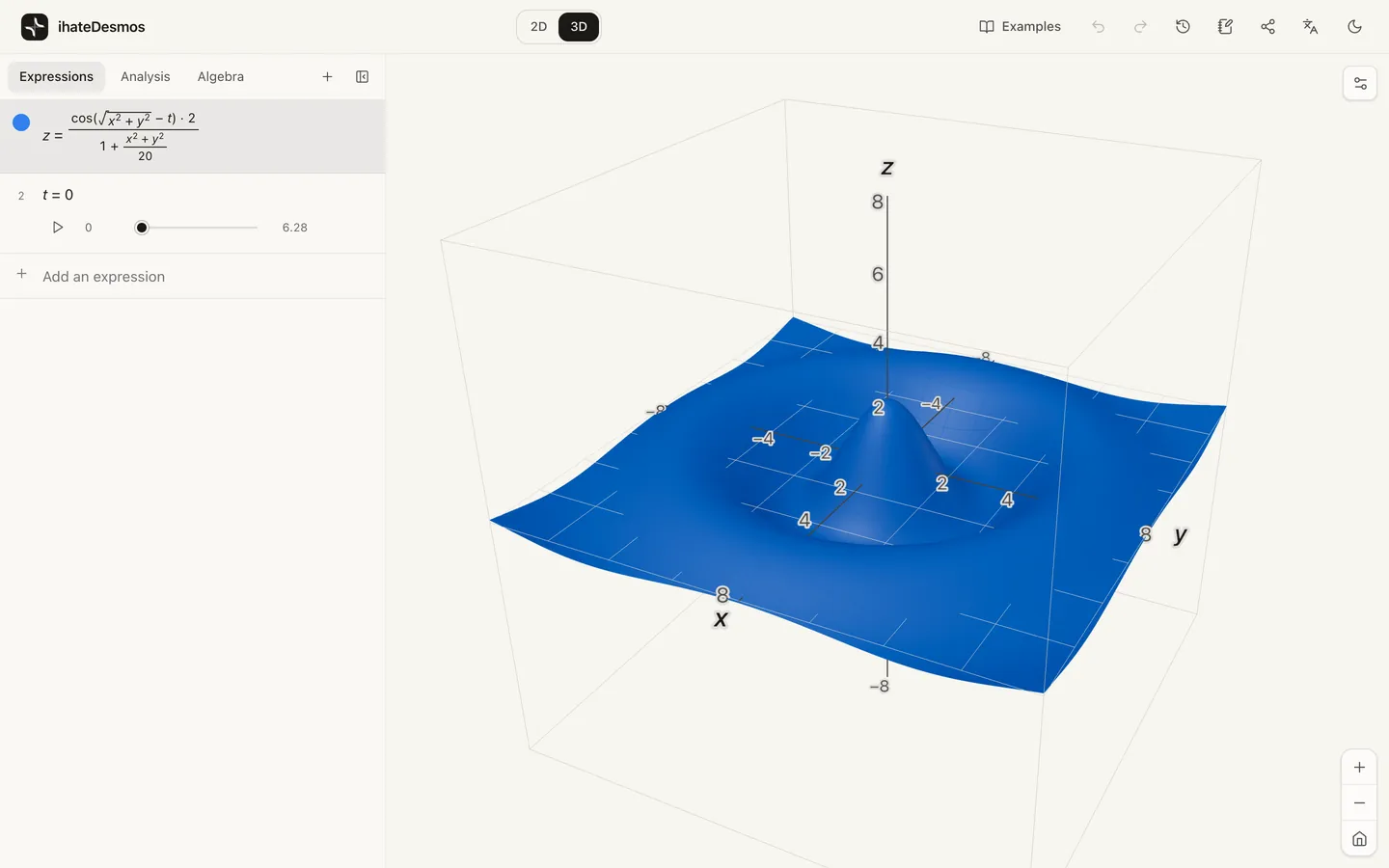
How to use the 3D graphing calculator
- 1Open the calculator and choose 3D with the switch at the top.
- 2Type a surface such as
z = sin(x) cos(y). Any equation in x, y and z also works, for examplex^2 + y^2 + z^2 = 9for a sphere. - 3Drag to rotate. Scroll or pinch to zoom, which changes the range of x, y and z on show, so a surface never runs out of detail.
- 4Use a letter you haven’t defined, like
a, and accept the slider it offers. Press play to animate the surface. - 5Open Share to export a PNG, or STL and OBJ files to 3D-print the surface.
What you can graph in 3D
| Type | How to write it |
|---|---|
| Surface | z = x^2 - y^2 |
| Implicit surface | x^2 + y^2 - z^2 = 1 |
| Parametric curve | (cos(t), sin(t), t/4) |
| Parametric surface | (u cos(v), u sin(v), u) with u and v ranges |
| Point | (1, 2, 3) |
| Vector field | (-y, x, 0.2z) |
| 3D differential equations | dx/dt = 10(y - x), dy/dt = x(28 - z) - y, dz/dt = x y - 8/3 z |
The calculator decides which kind of graph you mean from what you type, so there are no modes to pick.
Calculus on surfaces
Select a surface z = f(x, y) and open the Analysis tab to get its partial derivatives, its critical points classified as maxima, minima or saddles, and the tangent plane and normal line at any point you choose, each one added to the graph with a click.
For constrained problems, give a constraint such as x^2 + y^2 = 1 and the calculator solves the Lagrange multiplier equations and marks the constrained maximum and minimum.
Export, print and view in AR
Share → STL or OBJ writes the current surfaces as a closed mesh in your graph’s units, ready for slicing software. On phones that support WebXR, a View in AR button places the graph in the room in front of you.
Examples to try
z = x^2 - y^2sin(x) cos(y) + sin(y) cos(z) + sin(z) cos(x) = 0((3 + v/2 cos(u/2)) cos(u), (3 + v/2 cos(u/2)) sin(u), v/2 sin(u/2))dx/dt = 10(y - x), dy/dt = x(28 - z) - y, dz/dt = x y - 8/3 zFrequently asked questions
How do I graph a 3D equation?
Can I graph a sphere or other implicit surfaces?
How do I graph a parametric surface?
Can I 3D print my graph?
Does the 3D calculator work on phones and tablets?
Related tools and guides
It opens instantly, with no account and nothing to install.